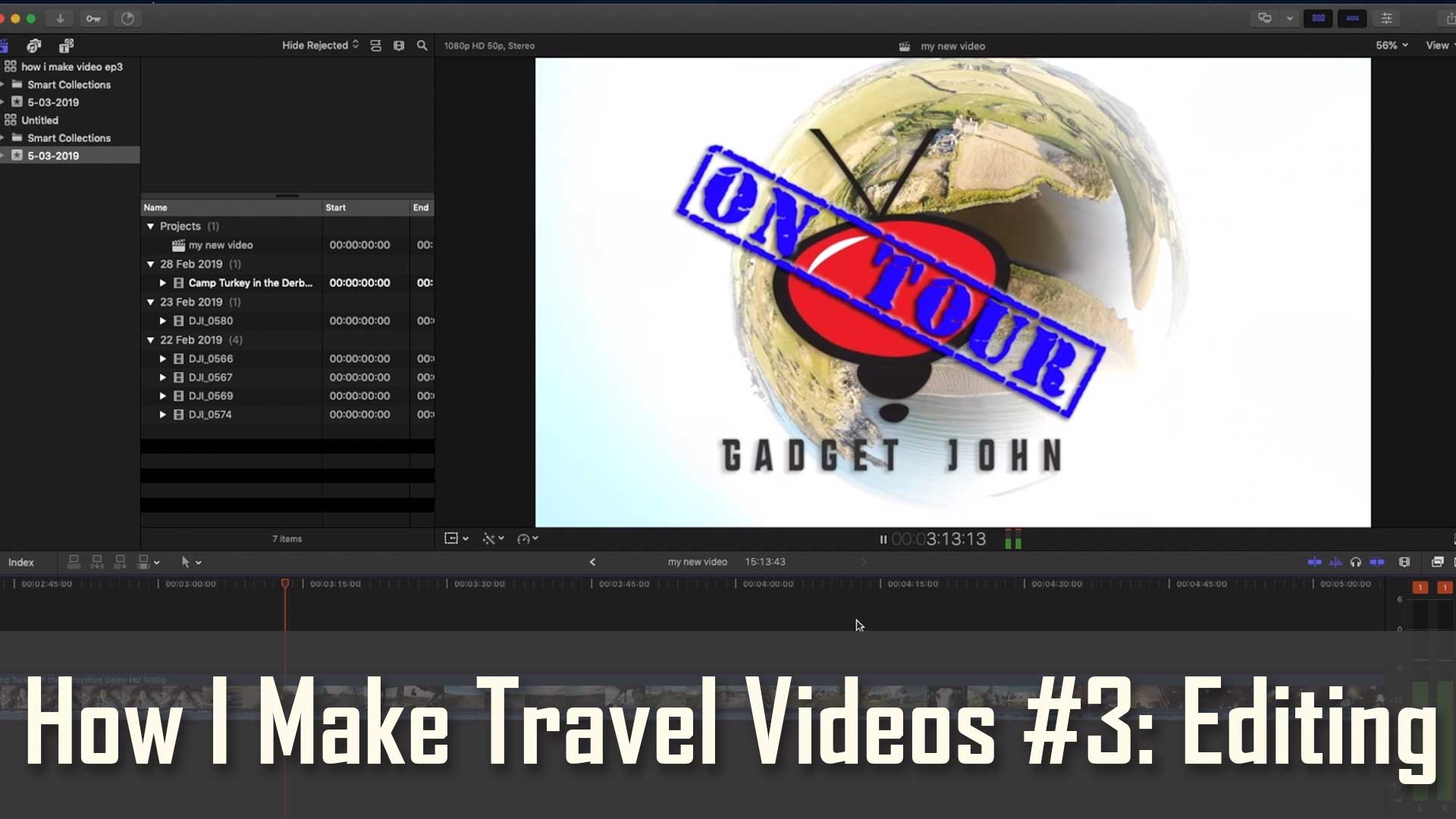
In ep3 of my series on how I make my travel videos we talk about basic video editing for beginners. I show you how I edit and the software I use. I go over basic editing methods to get you familiar with your editing software and to understand video formats and editing techniques.
I show how I make cuts, transitions, edit scenes, use B-roll and voice over tracks along with some other editing steps to hopefully get beginners comfortable with video editing.
I use Final Cut Pro, but you could use iMovie, Windows Movie Maker, Kinemaster is good for tablets and smartphones and a great FREE editing software is Divinci Resolve https://www.blackmagicdesign.com/products/davinciresolve/
To see how editing on a smartphone or table can be achieved click here to see a video Mevi made… https://youtu.be/7jYs4IlRSqs
If you liked this video and its contents please share it on social media and give it a thumbs up as it really helps spread the love.
Are you interested in the Gear used to produce this video? Here’s a link to all my tech I use to record and produce my videos…
https://www.johnandmandy.uk/filmmaking-gear/
Thanks you very much for watching our videos and for your support. Follow us on Instagram @GadgetJohnonTour